Automated payment reminders: cutting late payments with AI and n8n
In almost every SMB I work with, payment reminders work like this: someone in accounts, when they have time, opens the ERP, looks at overdue invoices and sends a few emails. That "when they have time" costs more than it seems, because late payment grows in silence: a customer who hears from nobody for forty days learns that paying late has no consequences.
What the automated flow actually does
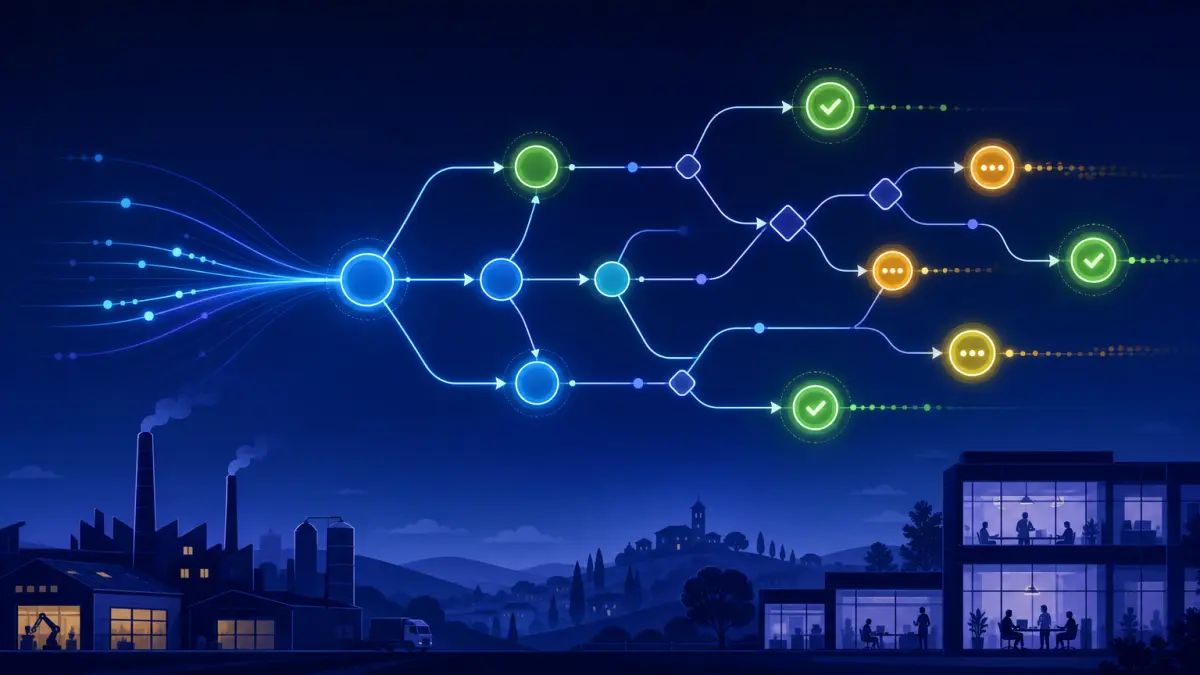
Every morning the system reads invoices from the ERP, calculates days overdue and decides what to do with each one: nothing, a gentle reminder, a formal notice, or an internal alert to the account manager. It does not send everything to everyone: it distinguishes the long-standing customer who always pays at 45 days from the new one two weeks past due, and uses a different tone.
Where AI adds something, and where plain automation is enough
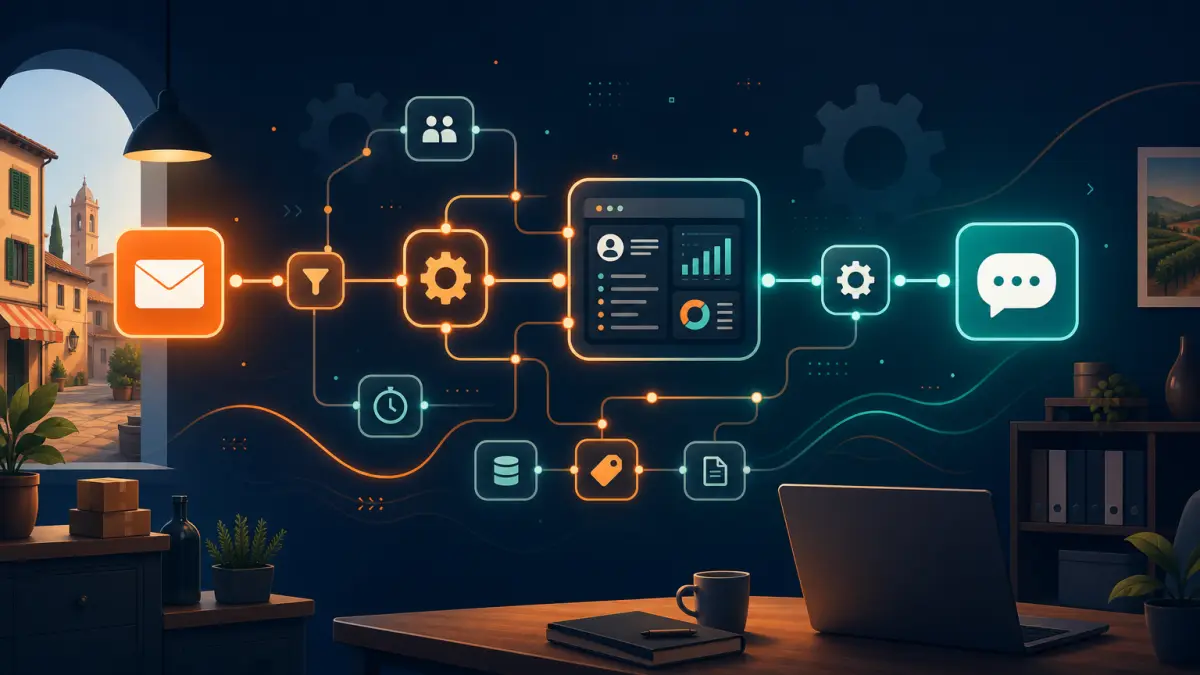
Checking and sending is pure automation, built in n8n, and needs no model at all. AI is useful for two things: writing the message text adapted to the situation — amount, history, relationship, language — and reading incoming replies to work out whether the customer disputed the invoice, asked for an extension or simply promised to pay, classifying them for accounts. That split keeps costs low and reliability high.
The sequence I recommend, without damaging the relationship.
- 3 days before the due date: a polite reminder with the invoice attached. This alone recovers many purely accidental delays.
- 5 days after: a short, neutral message with payment details and a direct contact in case of problems.
- 15 days after: a formal notice, copying the account manager.
- 30 days after: automatic stop and handover to a person, because beyond that point it needs a phone call, not another email.
The piece that makes the difference: the internal alert. The real value is not the email to the customer, it is the message reaching the account manager on WhatsApp or Slack — "customer X is 20 days overdue on 4,800 €, with an order in progress" — before the relationship sours. Companies that genuinely shorten collection times do it because the right person knows the right thing at the right moment, not because they send more emails.
What it takes and what it costs
You need access to invoices (ERP API, read-only database or a daily export), a company mailbox and the commercial rules on who may receive what. It is one of the fastest projects to put into production: typically two to three weeks, starting at 1,200 € for the essential version and growing with integrations and edge cases. The return is measured in average days to collect, and it is one of the few cases where you see the result in the bank by month two.
One honest warning
If accounting is not up to date, the automation will chase customers who already paid, and that is a reputational mess. Align payments and the ERP first, then automate: it is a week of work that saves months of apologies.
If you want to know how much you could shorten collection times, we can look at your current overdue list in a free 15-minute call and decide what to automate first.
Frequently asked questions
Do automated reminders damage the customer relationship?
Not when they are gradual and personalised: a polite reminder before the due date, a neutral tone in the first days, formal after two weeks, a human phone call beyond 30 days.
What is needed to connect the flow to the ERP?
An official API, read-only database access or a daily export of invoices with due dates and payment status.
What does automating payment reminders cost?
The essential version starts at 1,200 €, typically built in two to three weeks; cost grows with integrations and edge cases.
Davide Stigliani
Full-stack developer and AI agent specialist — Tolve (PZ), Basilicata, Italy
I build AI agents, n8n automations and full-stack web applications for SMBs, connecting them to the ERP, CRM and channels the company already uses. I work across Italy and abroad, on site in Potenza and its province.